MonitUp: Which Package Is Right for Your Needs?
Which MonitUp Package Is Right for Your Needs?
Remote and hybrid work are now standard. MonitUp helps you track focus time, protect data, and improve productivity. Which plan matches your workflow?
TL;DR Quick Verdict
- Screen-Time · $6 — lightweight insights, zero screenshots.
- Premium · $9 — adds screenshots + advanced analytics for permanent staff (auto-start) and includes Policy Monitoring Report + Location Tracking.
- Freelancer · $11 — contractor workflow: manual start/stop and job assignment UI (billable-hours friendly).
Premium-only security & compliance add-ons:
- Policy Monitoring Report — compliance-friendly visibility for workplace policy enforcement and audit-ready reporting.
- Location Tracking — last-known, city-level device location for recovery and compliance context (no live GPS).
MonitUp Packages in Detail
SCREEN-TIME ($6 user / mo)
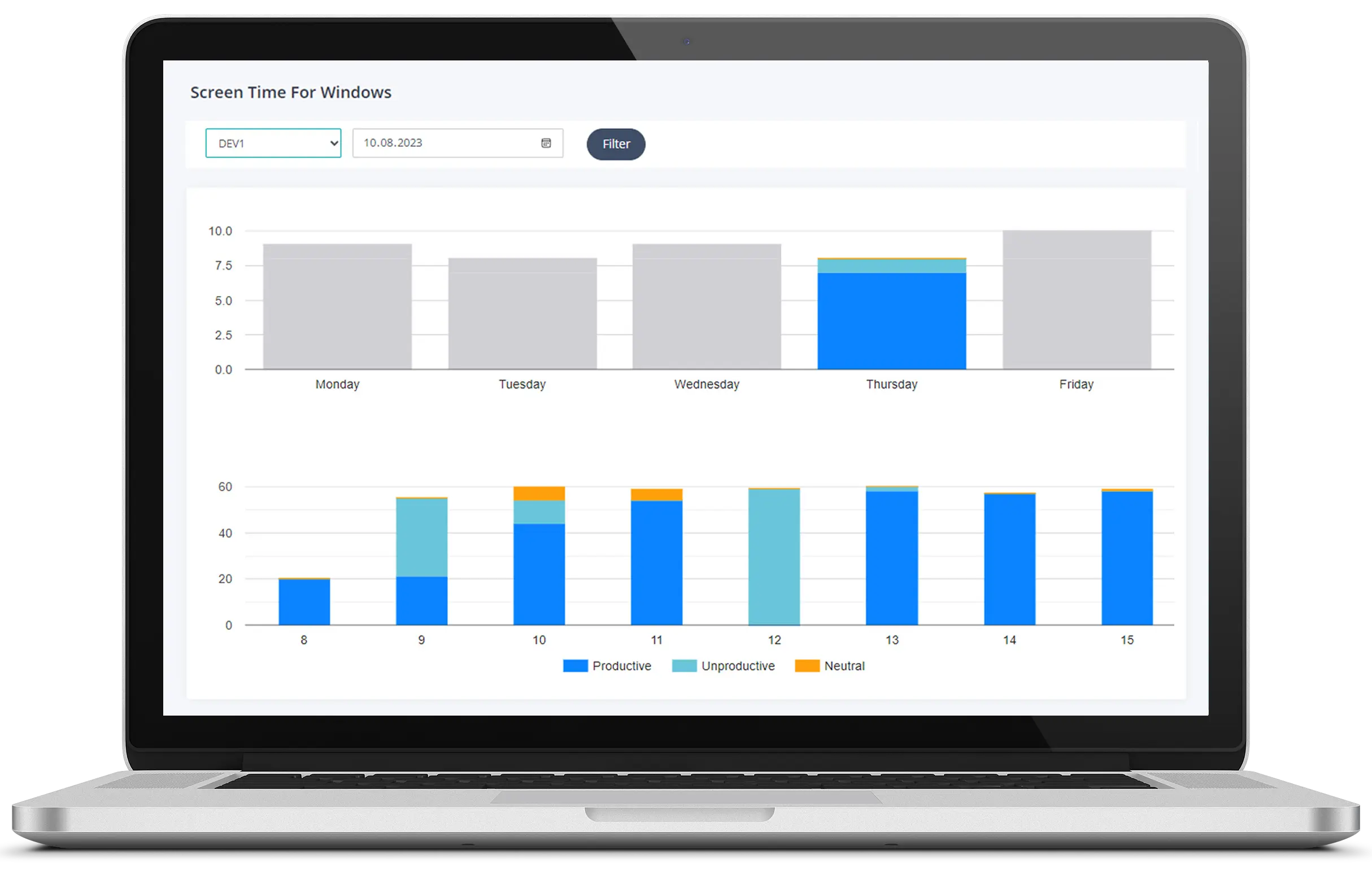
- App & URL tracking, always-on.
- No screenshots; lightweight data footprint.
- AI suggestions & productivity reports.
- Best for: teams that want simple visibility without screenshots.
FREELANCER ($11 user / mo)
- Contractor tools designed for billable work:
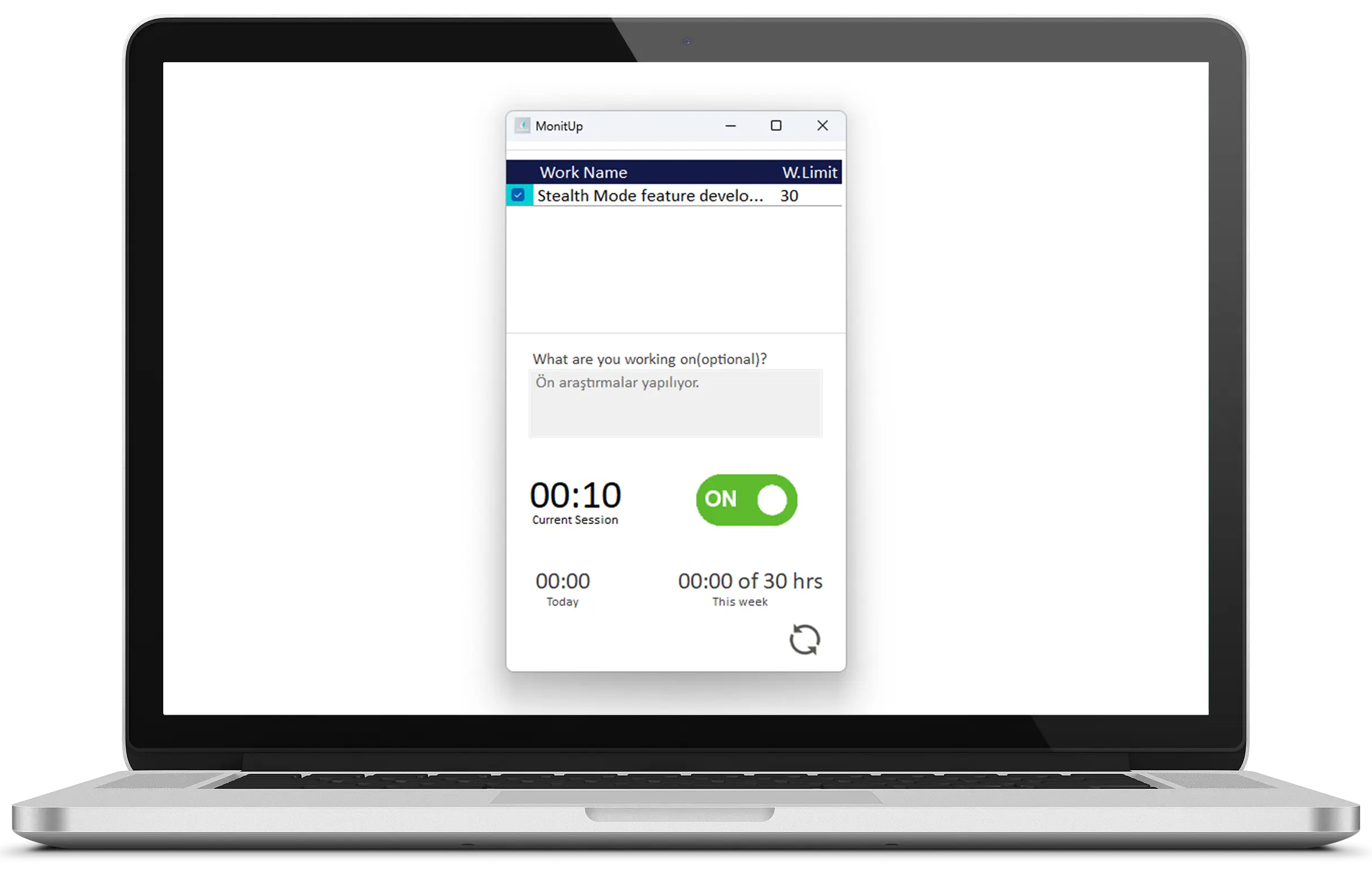
- Manual start/stop timer per job.
- In-app job-assignment interface.
- Desktop app lets contractors see what’s tracked.
- Best for: agencies and teams managing external freelancers/contractors.
PREMIUM ($9 user / mo)
- Everything in Screen-Time, plus:
- Automatic blurred screenshots.
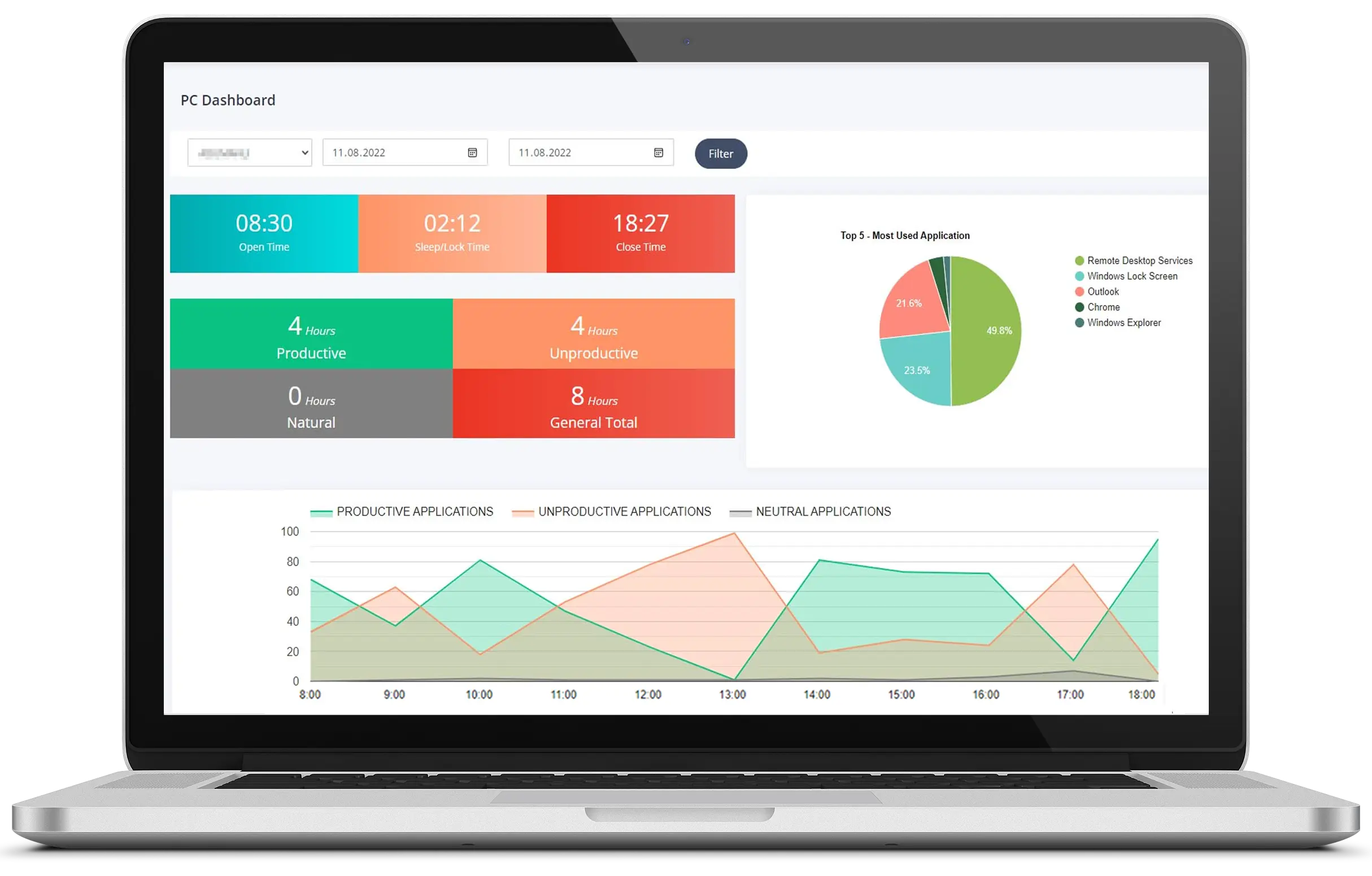
- Real-time session & start/end times.
- Task-manager & PC-performance tracking.
- Department + work-hours scheduling, detailed PDF reports.
- Premium-only: Policy Monitoring Report + Location Tracking (last-known, city-level).
Feature Matrix
| Feature | Screen-Time | Premium | Freelancer |
|---|---|---|---|
| Automatic tracking | ✓ | ✓ | — |
| Manual start / stop | — | — | ✓ |
| Screenshots (blurred) | — | ✓ | ✓ |
| App & URL analytics | ✓ | ✓ | ✓ |
| AI productivity tips | ✓ | ✓ | ✓ |
| Task-manager tracking | — | ✓ | ✓ |
| Job-assignment UI | — | — | ✓ |
| PC performance stats | — | ✓ | — |
| Department / work hours | — | ✓ | — |
| Exportable reports | Daily | Detailed | Detailed |
| Policy Monitoring Report | — | ✓ | — |
| Location Tracking (last-known, city-level) | — | ✓ | — |
Conclusion
Screen-Time is perfect for lightweight oversight, Premium is the go-to for full-time employees, and Freelancer equips contractors to log billable hours accurately. If you want the most security + compliance context, choose Premium: it includes the Policy Monitoring Report and Location Tracking (last-known, city-level — not live GPS). Ready to see the difference? Start your free 7-day trial today—no credit card required.